Line Card Pro is a WordPress plugin designed to help manufacturers' reps present their manufacturers' lines in a way that actually works on the web. Instead of relying on static PDFs, the plugin turns line cards into structured, searchable content that lives directly inside WordPress. The result is a cleaner experience for visitors and a much easier system for updating manufacturer-specific information and branding.
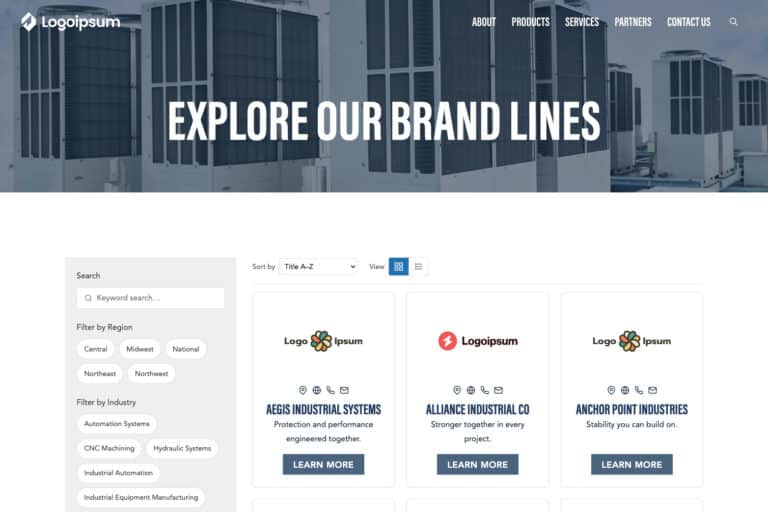
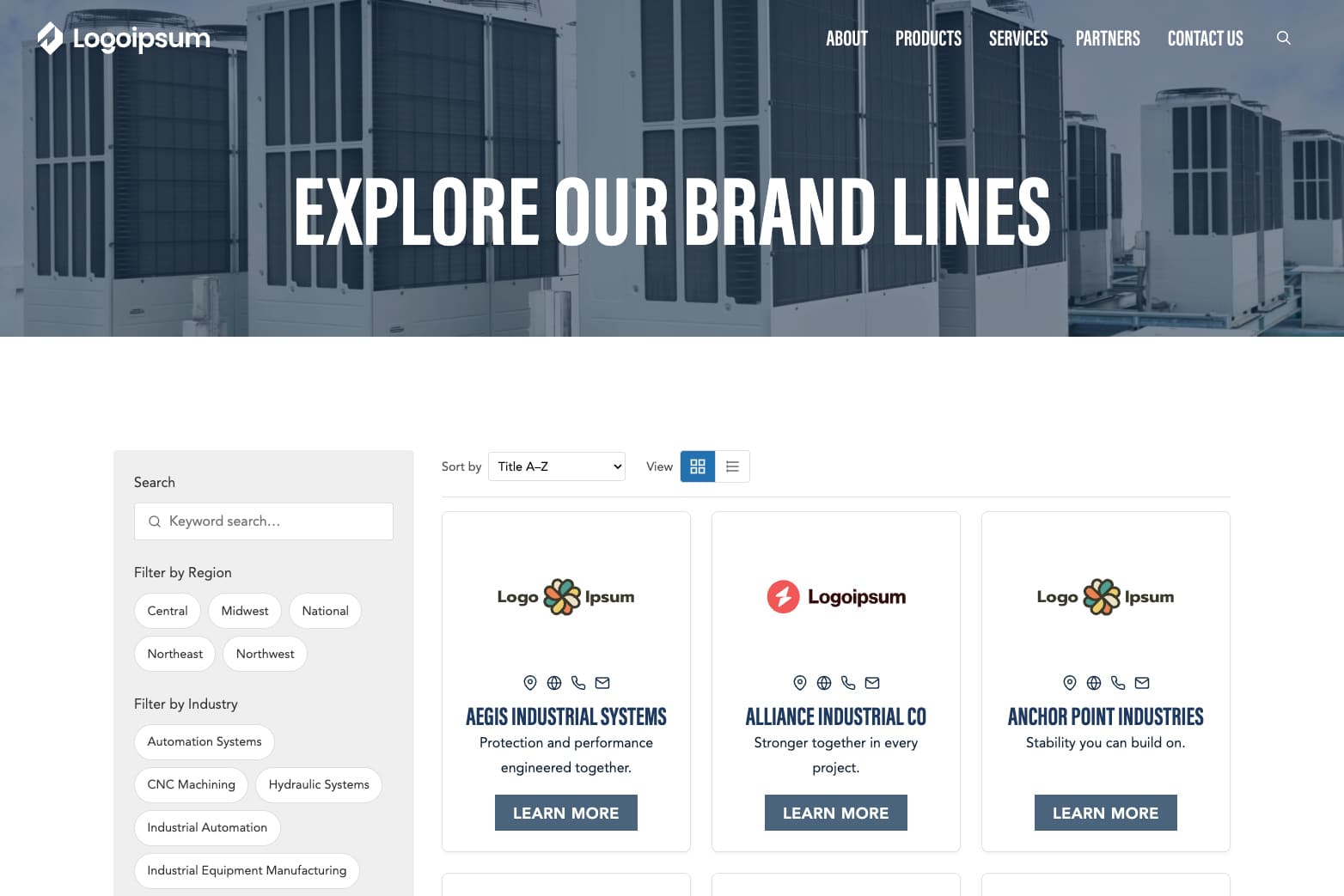
Built with real rep websites in mind, Line Card Pro supports grid and list views, filtering by attributes like category, brand, and region, along with custom filtering options. This allows buyers to quickly narrow down brands and products without digging through downloads or outdated files. The plugin is mobile-friendly by default, so usage is just as easy in the field as at a desk.
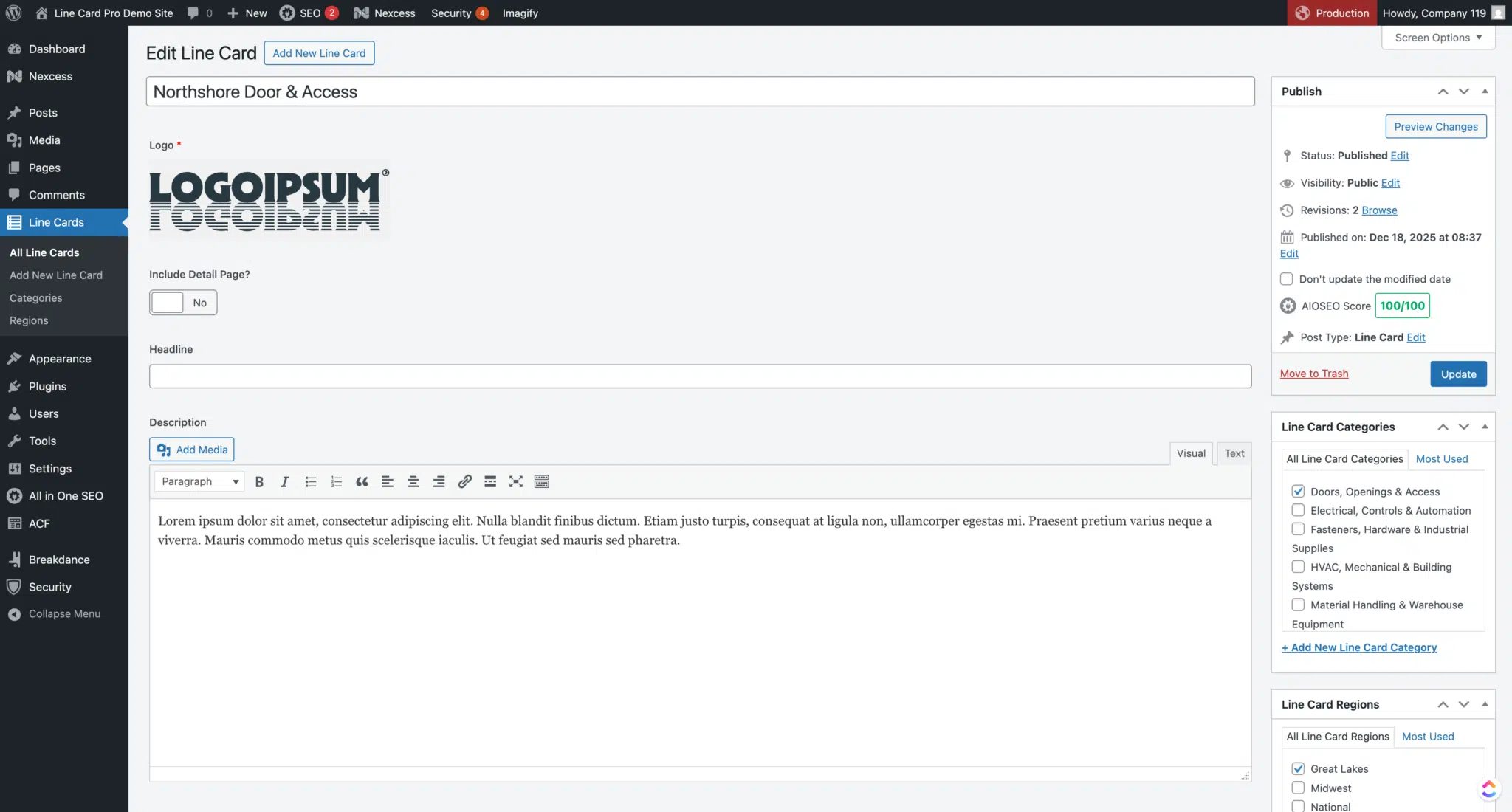
From an admin perspective, Line Card Pro is intentionally WordPress-native. Listings, content, and attributes are managed directly in the dashboard, making updates straightforward and repeatable. Changes are made once and reflected everywhere the line card appears, saving time and reducing the risk of inconsistent information across the site.
Line Card Pro is currently available as an early-release beta. It was built by Company 119 based on repeated real-world use cases in working with manufacturers, suppliers, and manufacturers' reps. The beta period is focused on refining workflows, validating performance at scale, and incorporating feedback from teams actively using it in production environments.





We often send out our newsletter with news and great offers. We will never disclose your data to third parties and you can unsubscribe from the newsletter at any time.
Unfortunately, we’re unable to offer free samples. As a retailer, we buy all magazines from their publishers at the regular trade price. However, you could contact the magazine’s publisher directly to ask if they can send you a free copy.
You can create a new account at the end of the order process or on the following page. You can view all of your orders and subscriptions in your customer account. You can also change your addresses and your password.
No, you don’t have to create an account. But there are a few advantages if you create an account.
You never have to enter your billing and shipping address again
Find all of your orders, subscriptions and addresses in your account
Download invoices of your orders
No, we don’t have a physical store location at the moment. We accept only orders through our online shop and we’re shipping all orders with the Swiss Post Service. Please visit our shipping section for more details.
From time to time you will find us at design fairs and popup markets in Switzerland. Subscribe to our newsletter and you’ll receive the latest news.
If you would rather not handle installation or setup internally, Company 119 can install and configure the plugin for you.
This option is ideal if you want:
Help structuring product lines and categories
Best-practice recommendations based on your catalog
A faster path to launch with minimal internal lift