
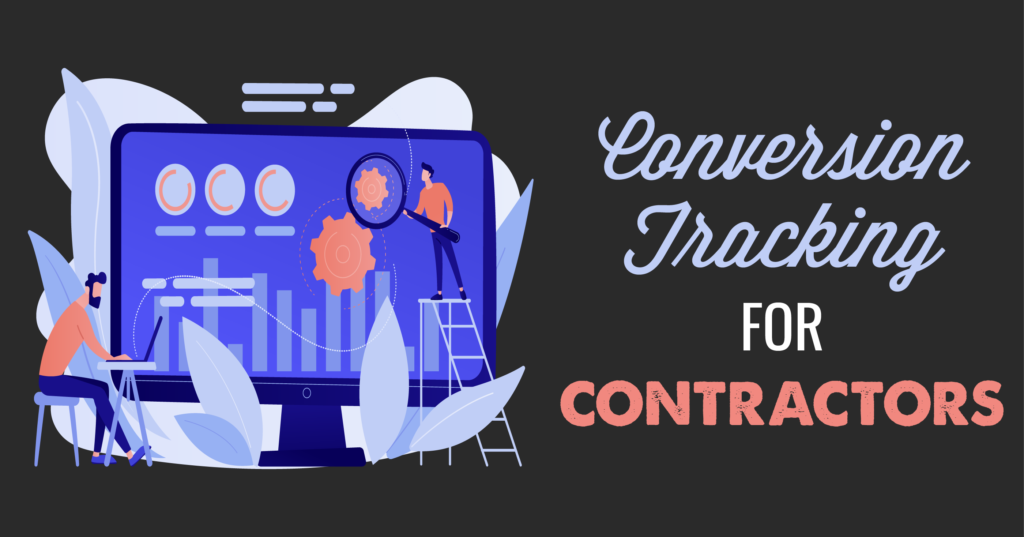
Visits and views are nice, but conversions are the holy grail of contractor marketing. Once you start converting searchers into potential customers, you can put your lead nurturing strategy to work. Then, you can sit back, guide your leads down the sales funnel, and wait for them to book an appointment.
Of course, there’s one major caveat that comes with conversions: They are not all the same. Between subscribing to your email newsletter, downloading gated content, and calling your business, every conversion has a different value. That means you need to tailor your ad strategy based on the quality—not quantity—of conversions.
Contractors tend to shy away from analytics, but you’re going to be different. You’re going to run toward the fire with a knockout ad strategy—and it all starts with conversion tracking.
The best part? Setting up conversion tracking only takes a few minutes if you know what you’re doing. Here’s how to get started.
Conversion tracking is an incredibly powerful (and free) tool in Google Ads. It shows you how effectively your ad campaign is generating email sign-ups, phone calls, and other valuable actions for your contractor business.
In a nutshell, conversion tracking shows you what happens after a lead interacts with your ads. When a customer completes an action that you’ve defined as valuable (a conversion), you can track it. After you’ve identified what actions to track, it only takes a few steps to set up conversion tracking for your Google Ads campaign.

Using conversion tracking data, you can identify what areas of your campaign are working—and what areas need some improvement. Then, you can optimize your bidding strategy, ad copy, and PPC keywords to maximize high-quality conversions.
You’ve launched your first Google Ads campaign, and your ads are generating clicks. That’s great! But unless you set up conversion tracking, you’ll never know how many of those clicks will actually convert into paying customers.
Conversion tracking might sound intimidating, but it’s an essential ingredient in any successful PPC strategy. Why? It’s simple: It shows you exactly where your conversions come from—down to the keyword, ad group, and campaign.
When you’re running an ad campaign with Google Ads, conversion tracking can be your secret weapon. Here’s how.
At the same time, conversion tracking sheds light on other areas of your ad strategy that need improvement. Maybe you’re using weak keywords, or your ad copy isn’t relevant to your target audience.
Pro tip: If your campaign is driving clicks but not conversions, look at your website. What does your landing page look like? Is your website difficult to navigate? Do your ads and keywords match your landing page? Put yourself in your customers’ shoes to see why leads who click on your ads aren’t going all the way.
Conversion tracking starts when you create a conversion action in Google Ads. To reiterate: A conversion action is a measurable activity that is valuable to your business. Of course, valuable conversions will vary from business to business.

Contractors can use conversion tracking to track the following actions:
The tracking process will vary depending on your specific conversion source. For every type of conversion (excluding offline conversions), you’ll follow one of these processes:
Once you’ve set up conversion tracking, you can tap into actionable insights for your Google Ads campaigns, ad groups, and keywords. This way, you’ll be able to tweak your ad strategy to achieve the key performance indicators (KPIs) that matter for your business.
Ready to start tracking conversions? To start, we’ll keep it simple with a quick guide to website conversions. To track website conversions with Google Ads, you’ll need a website (and the ability to edit that website so you can add the tracking tag).
Then, follow these steps to create your first conversion action:
Now, you can create conversion actions in two ways:
To make the most of your ad spend, you’ll need to assign conversion values to different conversions. A conversion value is a numeric value that you assign to a specific action based on its impact on your business.
Not all conversions are created equal, and some conversions are worth more than others. When you assign values to your conversions, you’ll be able to see the total value driven by your ad strategy across different conversions (as opposed to the quantity of conversions).

Depending on your business, you might set different types of conversion values, such as:
So, how do you calculate conversion values? Get your numbers ready and use Google’s Conversion Value Calculator. Google’s calculator considers high-priority stages in the sales cycle, your average revenue from the last stage in the lead-to-sale journey, and the conversion rate between each stage in the journey to calculate values for different conversions.
Now that you’ve calculated your conversion values, it’s time to assign those values to different actions. Once you start collecting data, you can identify the keywords, ad groups, and campaigns that generate higher ROI. Conversion values work full-time for your business, helping you track, optimize, and determine your return on ad spend (ROAS).
Sounds simple enough, right? You can set up conversion values when creating conversion actions, or follow the instructions below to change conversion values for existing actions.
Congratulations! You’ve created conversion actions, calculated your conversion values, and assigned those values to actions. Now, you can start tracking the value of different conversions with Google Ads.
Of course, your data is only valuable if you use it right. After setting up your conversion values, tap into Google’s Smart Bidding tools to maximize revenue and achieve your return on ad spend (ROAS) goals.
When you set up your bidding strategy to maximize your conversion value, you’ll take one step closer to meeting your KPIs. The best part? It’s quick and easy. All you need to do is select the ad campaign, click Edit, and choose Change bid strategy. Then, click Maximize Conversion Value to make the most of your hard-earned marketing dollars.
Tired of draining your advertising budget on ineffective campaigns? It’s time to stop wasting money on ads that will never convert the homeowners you need.
Google Ads can be a profitable strategy for contractors, but you’ll need the right strategy to hit your KPIs and maximize your ROI. Conversion tracking can shed light on your blind spots so you can work smarter, not harder.
When you’re ready to harness the power of PPC marketing, reach out to our team. From brainstorming the perfect strategy to tracking conversions, we’re ready to help. We’ll work with you to build a tailored approach to PPC based on your business, target market, and long-term goals.